BREP.io
Source https://github.com/mmiscool/BREP
- NPM package:
brep-io-kernelhttps://www.npmjs.com/package/brep-io-kernel - Live API examples https://BREP.io/apiExamples/index.html
- Developer Discord https://discord.gg/R5KNAKrQ
BREP.io is a browser-based CAD application and JavaScript kernel for feature-based solid modeling. At its core is a BREP-style modeler with explicit geometry/topology objects such as Solid, Face, Edge, and Vertex, paired with an editable feature-history pipeline. It also includes sketch workflows powered by a standalone 2D constraint solver, plus robust manifold booleans (manifold-3d), mesh repair/import tooling, assembly constraints, PMI annotations, and embeddable CAD/sketcher APIs.
This project is in active development and APIs may continue to evolve.
Workbenches
- Modeling Workbench
- Import Workbench
- Surfacing Workbench
- Sheet Metal Workbench
- Assemblies Workbench
- Wire Harness Workbench
- PMI Workbench
- All Workbench
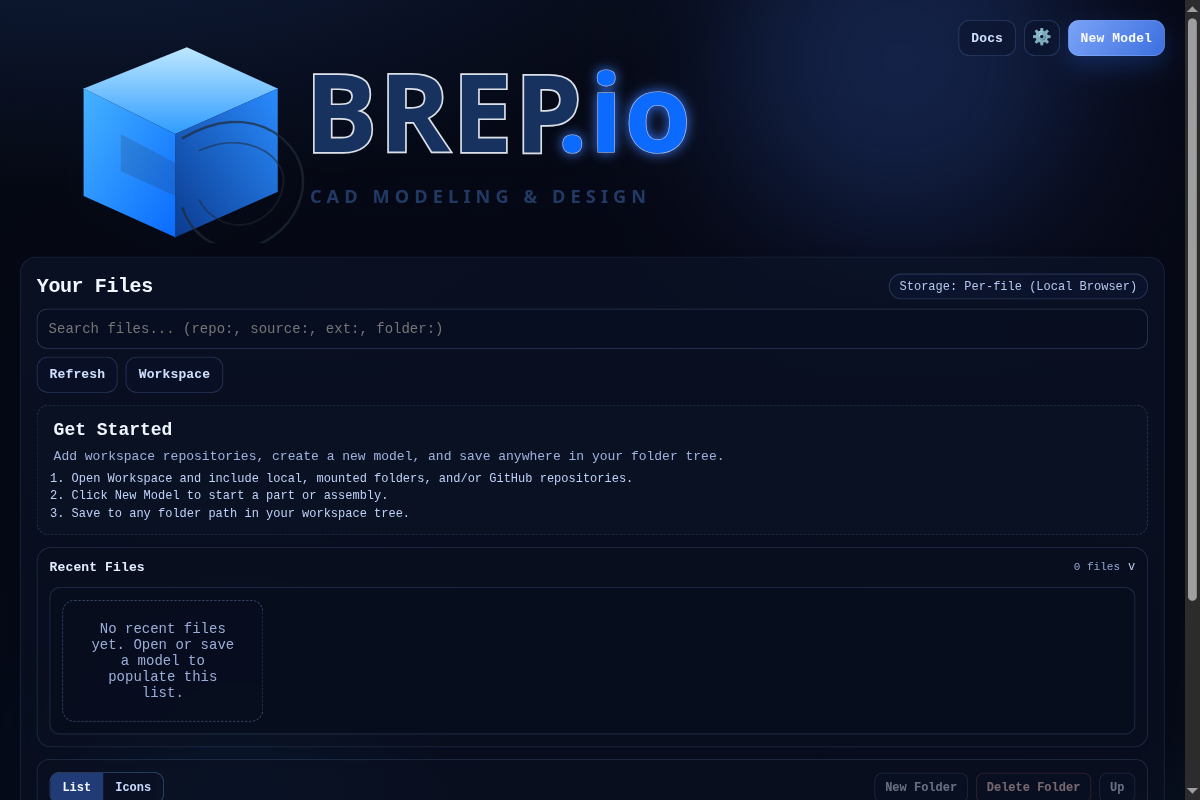
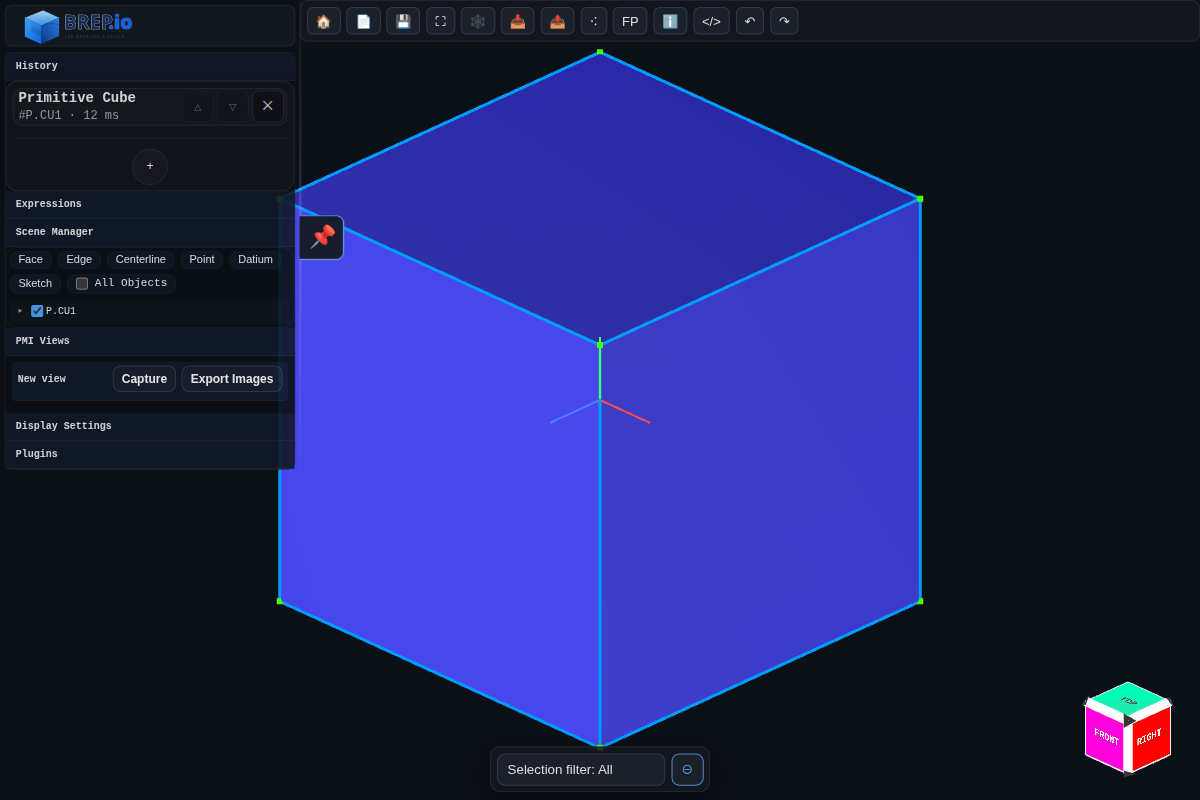
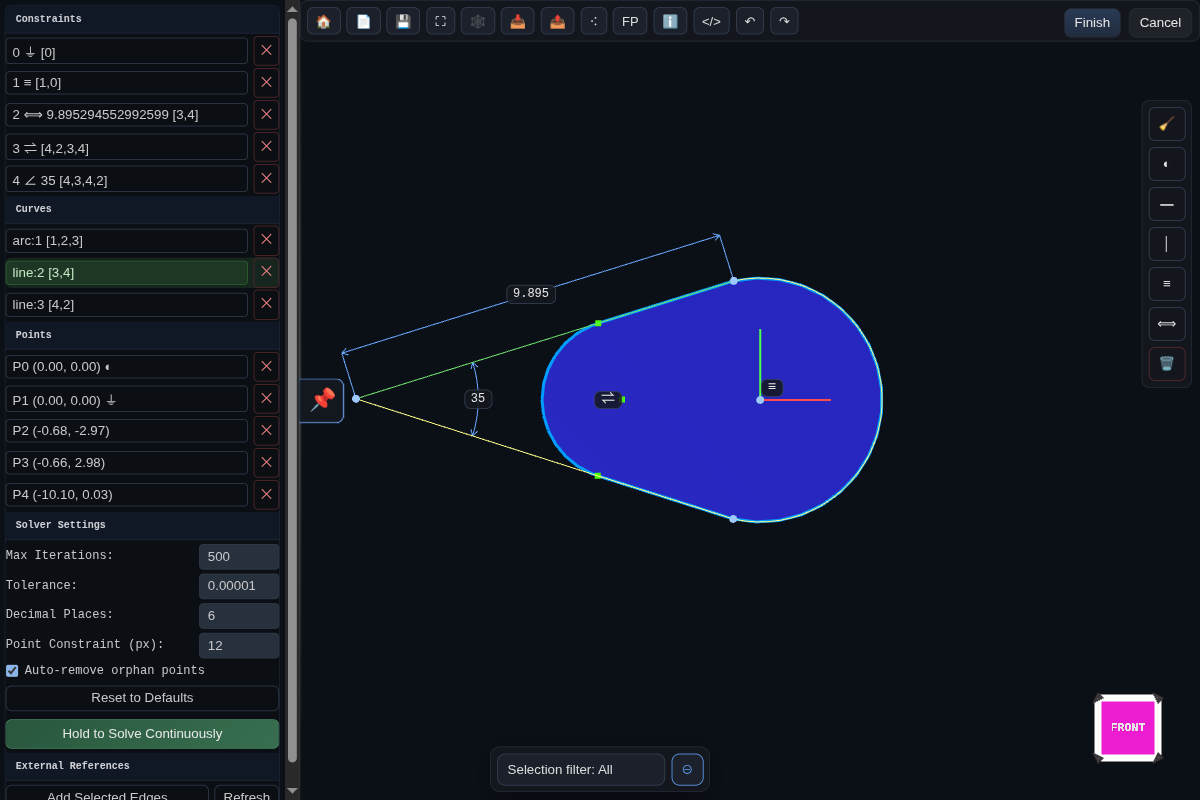
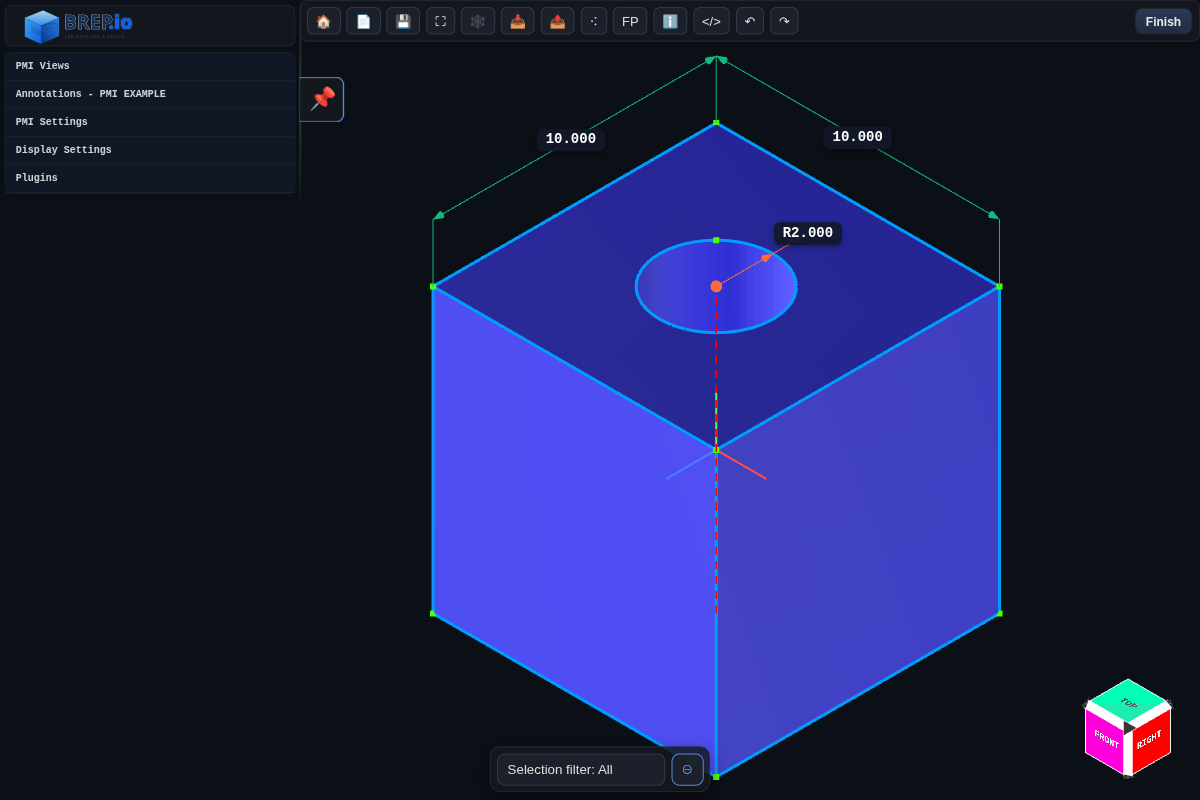
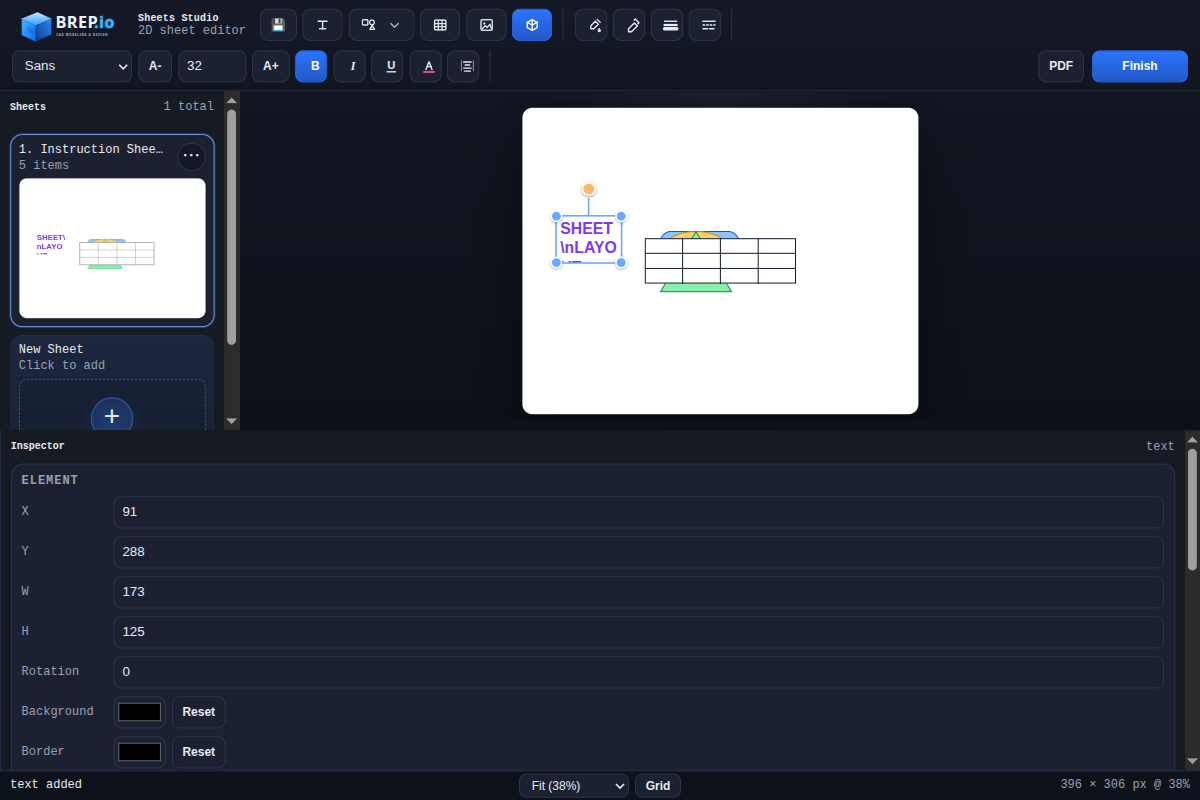
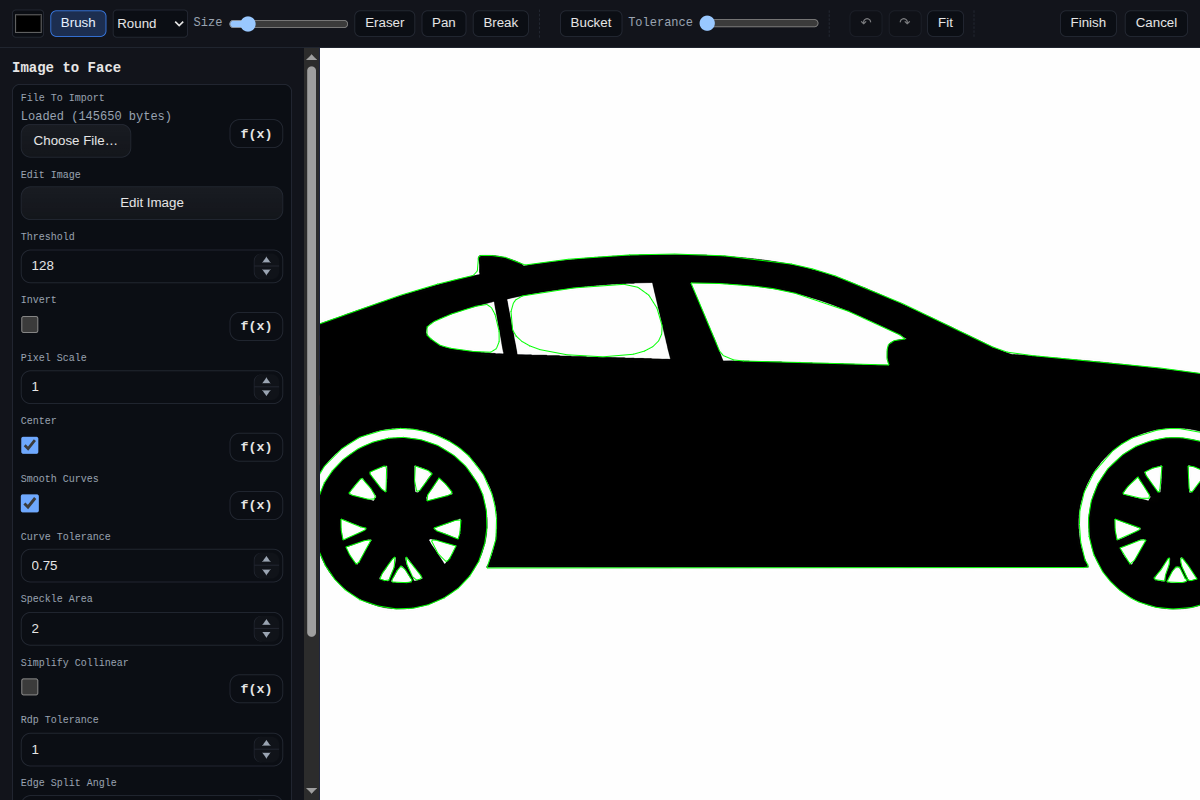
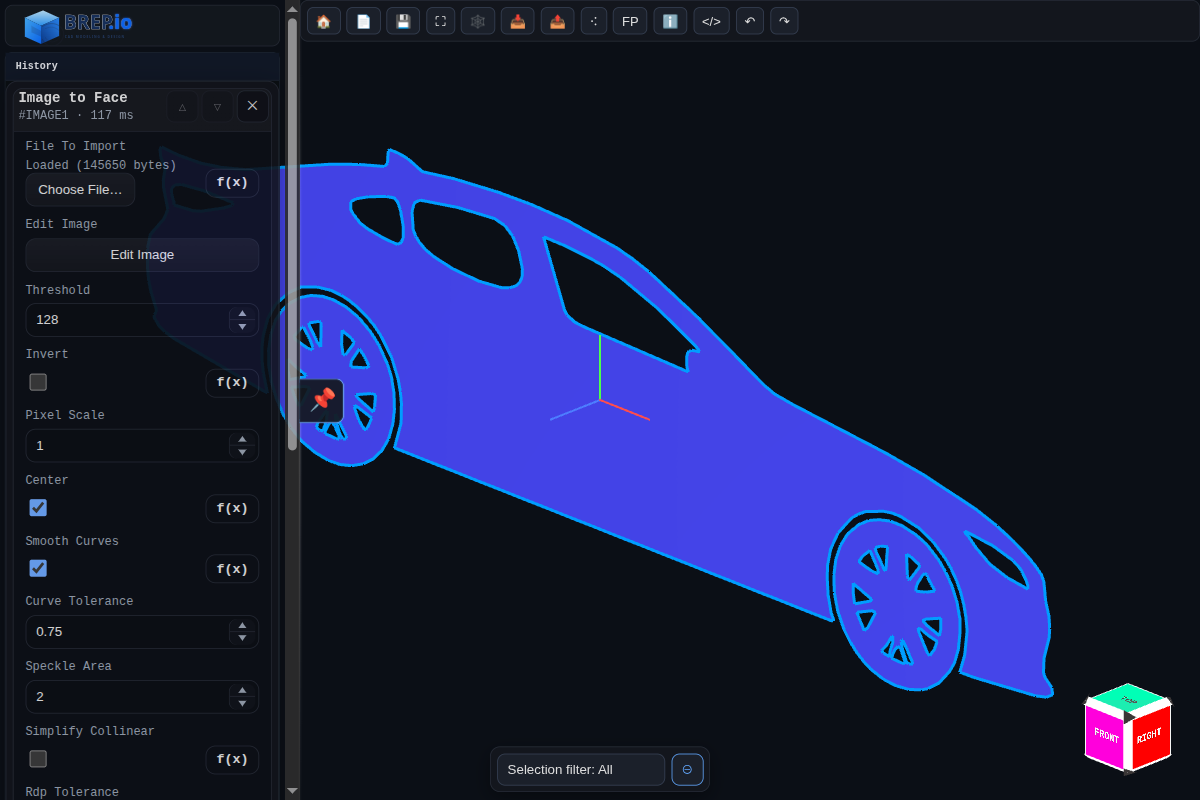
Screenshots
Documentation Index
General:
Mode guides:
Modeling Feature Docs
Feature index:
Primitives and setup:
- Primitive Cube
- Primitive Cylinder
- Primitive Cone
- Primitive Sphere
- Primitive Torus
- Primitive Pyramid
- Plane
- Datum
- Datium
- Sketch
- Spline
- Helix
Solid operations:
- Extrude
- Sweep
- Tube
- Loft
- Revolve
- Mirror
- Boolean
- Fillet
- Chamfer
- Hole
- Push Face
- Thicken
- Offset Shell
- Remesh
- Transform
Pattern, import, and generation:
- Pattern (Legacy Combined)
- Pattern Linear
- Pattern Radial
- Import 3D Model
- Image Heightmap Solid
- Image to Face
- Text to Face
Assembly and sheet metal:
Additional implemented features in the codebase include collapse edge, edge smooth, offset face, overlap cleanup, sheet metal hem, and sheet metal cutout.
Assembly Constraints
PMI Annotation Docs
- PMI Annotations Index
- Linear Dimension
- Radial Dimension
- Angle Dimension
- Leader
- Note
- Hole Callout
- Explode Body
Quick Start
Prerequisites:
- Node.js 18+
pnpmgit submodule update --init --recursive
Install and run locally:
git submodule update --init --recursive
pnpm install
pnpm dev
Then open the Vite URL shown in your terminal.
- Main app shell:
/index.html - Direct CAD workspace:
/cad.html
Build, Test, and Utility Commands
| Command | Purpose |
|---|---|
pnpm dev | Prepares fonts, builds the kernel bundle, then runs the Vite dev server. |
pnpm build | Production build of the app into dist/ (includes kernel build step). |
pnpm build:manifoldPlus | Builds the local manifold wasm/js bundle from the vendor/manifold3d submodule plus local custom bindings, using project-local EMSDK from vendor/emsdk. |
pnpm build:kernel | Builds the ESM kernel bundle into dist-kernel/ and syncs assets. |
pnpm use:manifold:npm | Switches runtime/builds to the published manifold-3d npm package. |
pnpm use:manifold:local | Switches runtime/builds to the locally compiled manifold bundle. |
pnpm which:manifold | Prints the currently selected manifold source. |
pnpm test | Runs the Node test suite (src/tests/tests.js), writing artifacts to tests/results/. |
pnpm test -- test_primitiveCube | Runs one registered test by exact test function name. |
pnpm liveTesting | Watches src/ and tests/ and reruns tests on change. |
pnpm capture | Captures docs/dialog screenshots. |
pnpm generateLicenses | Regenerates dependency and bundled-font license summaries. |
Build outputs:
dist/: static web app (ready for CDN/web hosting)dist-kernel/: published kernel bundle artifacts
CI and Pages Deployments
The kernel build compiles a custom wasm bundle from the vendor/manifold3d git submodule. CI environments must:
- fetch submodules, including
vendor/emsdk - allow
pnpm buildto download the pinned project-local Emscripten SDK payload throughvendor/emsdk
This repo includes GitHub Actions workflows for:
- npm publishing with submodules + EMSDK
- Cloudflare Pages deployment via Wrangler Direct Upload
For Cloudflare Pages, use the GitHub Actions deploy workflow instead of relying on Cloudflare's Git build container to compile the wasm bundle. Configure these repository settings before enabling the workflow:
- secret
CLOUDFLARE_ACCOUNT_ID - secret
CLOUDFLARE_API_TOKEN - variable
CLOUDFLARE_PAGES_PROJECT_NAME
Use as an NPM Package
Package name: brep-io-kernel (ESM-only).
Install:
pnpm add brep-io-kernelMain imports:
import {
  BREP,
  PartHistory,
  AssemblyConstraintHistory,
  AssemblyConstraintRegistry,
  CadEmbed,
  Sketcher2DEmbed
} from "brep-io-kernel";
Subpath imports:
import { BREP } from "brep-io-kernel/BREP";
import { PartHistory } from "brep-io-kernel/PartHistory";
import { CadEmbed } from "brep-io-kernel/CAD";
import { Sketcher2DEmbed } from "brep-io-kernel/Sketcher2D";
import { ConstraintSolver, ConstraintEngine, constraints } from "brep-io-kernel/SketchSolver2D";
Node examples:
CLI helper:
npx brep-io-kernel
npx brep-io-kernel --host 127.0.0.1 --port 4173
npx brep-io-kernel --help
License helper APIs:
import { getPackageLicenseInfoString, getAllLicensesInfoString } from "brep-io-kernel";

console.log(getPackageLicenseInfoString()); // package license info
console.log(getAllLicensesInfoString());    // package + production dependencies
CommonJS note:
const { BREP } = await import("brep-io-kernel");Repository Layout
src/BREP: core solid/kernel implementationsrc/features: feature implementations and dialogssrc/assemblyConstraints: assembly solver and constraintssrc/UI: CAD/sketcher UI and embedding bridgesdocs/: markdown docs and screenshotsapiExamples/: standalone browser API demostests/andsrc/tests/: test assets and test runner
Contributing
See CONTRIBUTING.md.
License
See LICENSE.md. This project uses a dual-licensing strategy managed by Autodrop3d LLC.
Documentation
- Edge.collapseToPoint()
- Edge.constructor()
- Edge.getMetadata()
- Edge Method Index
- Edge.length()
- Edge.points()
- Edge.setMetadata()
- Face.constructor()
- Face.getAverageNormal()
- Face.getMetadata()
- Face.getNeighbors()
- Face Method Index
- Face.points()
- Face.renameFace()
- Face.setMetadata()
- Face.surfaceArea()
- Face.thicken()
- BREP Class API Reference
- Solid._ensureFaceIndex()
- Solid._expandTriIDsFromMesh()
- Solid._getOrCreateID()
- Solid._getPointIndex()
- Solid._isCoherentlyOrientedManifold()
- Solid._key()
- Solid._manifoldize()
- Solid._weldVerticesByEpsilon()
- Solid.addAuxEdge()
- Solid.addCenterline()
- Solid.addTriangle()
- Solid.bakeTransform()
- Solid.bakeTRS()
- Solid.chamfer()
- Solid.cleanupTinyFaceIslands()
- Solid.clone()
- Solid.collapseTinyTriangles()
- Solid.constructor()
- Solid.faces
- Solid.fillet()
- Solid.fixTriangleWindingsByAdjacency()
- Solid.free()
- Solid.getBoundaryEdgePolylines()
- Solid.getEdgeMetadata()
- Solid.getFace()
- Solid.getFaceMetadata()
- Solid.getFaceNames()
- Solid.getFaceNormal()
- Solid.getFaces()
- Solid.getMesh()
- Solid.getTriangleCount()
- Solid Method Index
- Solid.intersect()
- Solid.mergeTinyFaces()
- Solid.minGapToPoint(point, searchLength)
- Solid.mirrorAcrossPlane()
- Solid.pushFace()
- Solid.remesh()
- Solid.removeDegenerateTriangles()
- Solid.removeInternalTriangles()
- Solid.removeInternalTrianglesByRaycast()
- Solid.removeInternalTrianglesByWinding()
- Solid.removeOppositeSingleEdgeFaces()
- Solid.removeSmallIslands()
- Solid.removeTinyBoundaryTriangles()
- Solid.renameFace()
- Solid.setEdgeMetadata()
- Solid.setEpsilon()
- Solid.setFaceMetadata()
- Solid.simplify()
- Solid.splitSelfIntersectingTriangles()
- Solid.subtract()
- Solid.surfaceArea()
- Solid.toSTEP()
- Solid.toSTL()
- Solid.union()
- Solid.visualize()
- Solid.volume()
- API Examples
- Angle Constraint
- Coincident Constraint
- Distance Constraint
- Fixed Constraint
- Parallel Constraint
- Assembly Constraint Solver
- Touch Align Constraint
- BREP.js Export Map and Usage
- BREP Kernel Reference
- BREP Model and Classes
- Bug Reporting and Repro Test Cases
- Embeddable CAD App
- CONTRIBUTING
- C++ Solid Porting
- Cylindrical Face Radius Embedding
- Application Architecture Docs
- Embedding and Integration Docs
- Kernel and Geometry Docs
- Application Subsystems Docs
- Developer Docs
- Documentation Screenshots
- Expressions and Configurator
- Radius Metadata for Extruded Sketches
- Feature Dimension Gizmos (Developer)
- Assembly Component
- Boolean
- Chamfer
- Collapse Edge
- Datium
- Datum
- Edge Smooth
- Extrude
- Fillet
- Helix
- Hole
- Image Editor (Shared)
- Image Heightmap Solid
- Image to Face
- Import 3D Model
- Features
- Loft
- Mirror
- NURBS Face Solid
- Offset Face
- Offset Shell
- Overlap Cleanup
- Pattern Linear
- Pattern Radial
- Pattern (Legacy)
- Plane
- Polygon Solid
- Primitive Cone
- Primitive Cube
- Primitive Cylinder
- Primitive Pyramid
- Primitive Sphere
- Primitive Torus
- Push Face
- Remesh
- Revolve
- Sheet Metal Contour Flange
- Sheet Metal Cutout
- Sheet Metal Flange
- Sheet Metal Hem
- Sheet Metal Tab
- Sketch
- Smooth With Subdivision
- Spline
- Sweep
- Text to Face
- Thicken
- Transform
- Tube
- File Formats: Import and Export
- Fillet Process
- Font Licenses
- Getting Started
- GitHub Repo Storage
- Highlights
- History Systems
- How It Works
- Input Params Schema
- Recent Inspector Improvements
- Inspector
- LICENSE
- Modeling Mode
- PMI Mode
- 2D Sheets Mode
- Sketch Mode
- PartHistory Reference
- Plugins and Examples
- Angle Dimension
- Explode Body
- Hole Callout
- PMI Annotations
- Leader
- Linear Dimension
- Note
- Radial Dimension
- Simplified Radial Dimension Interface
- 2D Sketch Solver (Standalone)
- Embeddable 2D Sketcher
- Solid Developer Guide
- Testing
- Topological Face and Edge Naming Specification
- UI Overview (Browser)
- What's New
- Workbench Implementation Plan
- All Workbench
- Assemblies Workbench
- Import Workbench
- Modeling Workbench
- PMI Workbench
- Sheet Metal Workbench
- Surfacing Workbench
- Wire Harness Workbench